Why Is My Website Not Showing Up on Google? (And How to Fix It)
Website not showing up on Google? Run 4 quick checks to see if it's indexed, fix what's blocking it, and get Google to crawl your site fast.

Why is my website not showing up on Google? For a new site, it's almost always one of three things: Google hasn't found your site yet, something on the site is blocking it, or Google crawled it and decided not to index it yet. Four quick checks tell you which one, and each one has a fix.
Google finds new pages by following links from pages it already crawls. A site with zero inbound links gives Google no path to walk. So the job splits in two: tell Google you exist, then give it a reason to keep coming back.
How to check if Google has indexed your site
Run these four checks in order. Together they take about ten minutes.
- Search site:yourdomain.com in Google. No results means Google hasn't indexed a single page yet. Some results, but not the page you care about, means the problem is that page. The count is only an estimate, so treat it as a yes or no.
- Inspect the URL in Google Search Console. The URL Inspection tool tells you whether a page is on Google, when Googlebot last crawled it, how Google found it, and why it skipped it. It's free, and it's the only answer that comes straight from Google.
- Open your sitemap. Go to yourdomain.com/sitemap.xml and check that your real pages are listed. Then look under Sitemaps in Search Console: the status should say Success, and the last read date should be recent. Ours hadn't been read in almost five months.
- Check who links to you. The Links report in Search Console lists the other sites Google has seen linking to you. If it's empty, Google only knows your site through your sitemap, and that's the slowest way in.
If URL Inspection says "Crawled, currently not indexed" or "Discovered, currently not indexed", Google knows the page but hasn't added it yet. More on those two at the end.
What indexed actually means
Before getting into the fixes, it helps to know what indexed actually means. I see three things get mixed up constantly, and they're not the same:
- Crawled. Googlebot fetched your page. That's it.
- Indexed. Google kept the page and it's now eligible to appear in results.
- Ranking. Where that page lands for a given search.
You can be crawled and never indexed. You can be indexed and rank on page 100, and thus never get found. Getting indexed is the first gate to conquer, because nothing else you do for SEO matters until you're through it.
How long does it take Google to index a new site?
It depends almost entirely on how much of a path Google has to your site:
- Brand new domain, no backlinks, no sitemap. One to four weeks, sometimes longer. Google has no reason to look for you.
- New domain with a sitemap submitted and a handful of directory backlinks. Usually a few days, often faster for your homepage.
- Established site with real authority. Hours to a day or two for new pages. Once you're around DR 25, Google checks in constantly, which is one of the things a higher Domain Rating actually buys you.
How to get your website on Google
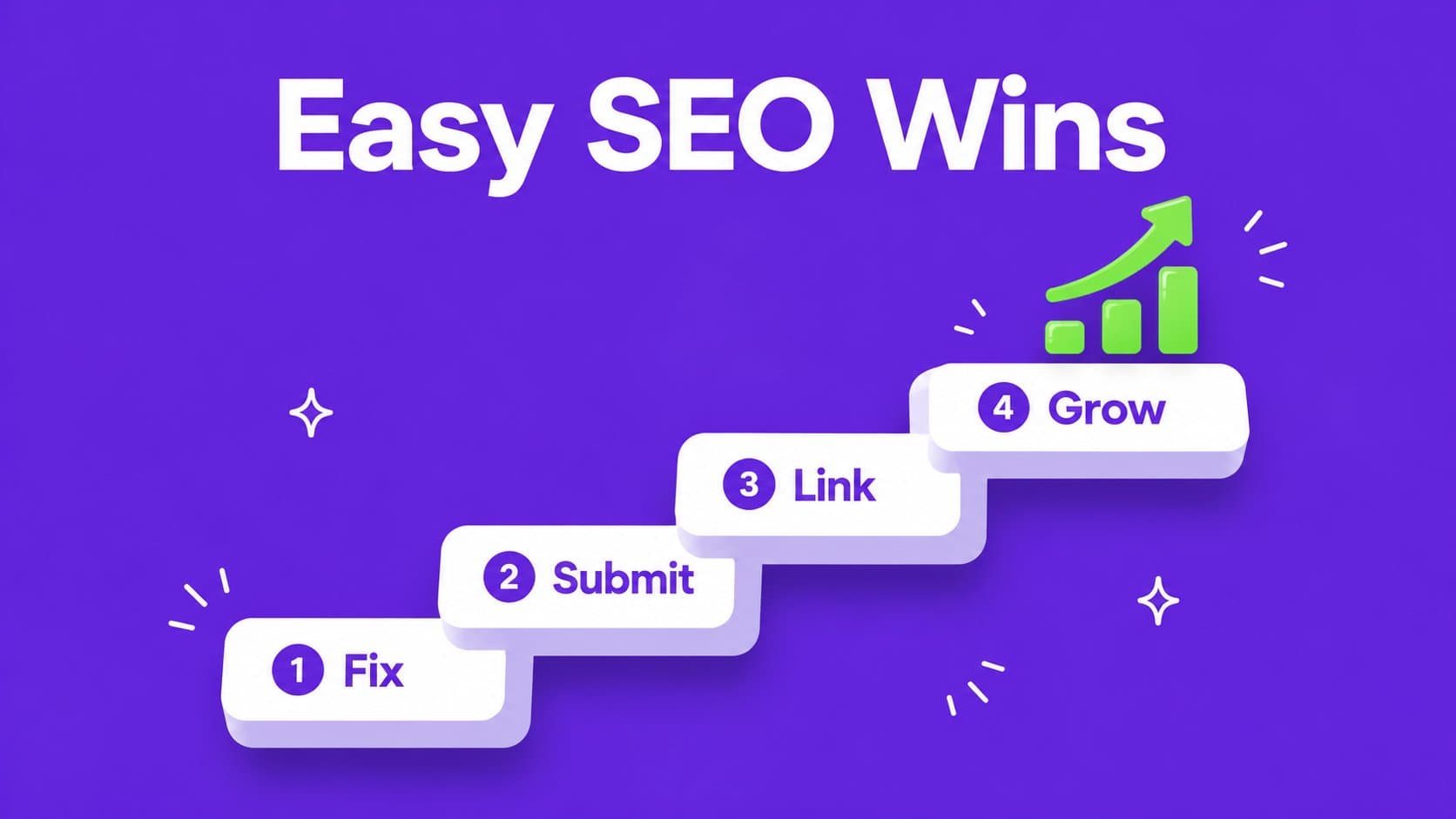
Once you know where you stand, these four steps get you indexed, from the quickest to the one that keeps paying off.
Step 1: Submit a sitemap and request indexing
So to get started, these are the first steps you should take to tell Google you exist:
- Set up Google Search Console and verify your domain, either through DNS or by uploading the HTML file.
- Find your sitemap. This is a file that lists every page on your site you want Google to know about, so the crawler doesn't have to guess its way around. Most modern stacks generate one at /sitemap.xml automatically, and Wix, Squarespace and Shopify all do, so often you're already covered. Open that URL in a browser and check your real pages are listed.
- Submit that sitemap URL under Sitemaps in Search Console.
- Paste your homepage URL into URL Inspection and click Request indexing. Do the same for your most important pages. Google caps how many requests you can make per day, so pick the ones that matter.
Step 2: Make sure you're not blocking yourself
Plenty of sites never get indexed for stupid or boring reasons. Check all of these before you blame Google:
- A leftover noindex tag. This is a common cause (I've run into it multiple times myself). A noindex tag tells Google not to index that page. For certain parts of your site that's exactly what you want, but most of the time you want the page to be seen. View source and search for it.
- A "hide from search engines" setting. Site builders like Wix and Squarespace have a setting that keeps your whole site out of search engines, and it's sometimes still on from when you were building. A site-wide password does the same. Check your SEO settings.
- robots.txt blocking the crawler. This one is also often overlooked. Open yourdomain.com/robots.txt and make sure you're not disallowing everything.
- A canonical tag pointing somewhere else. This one is harder to spot. A canonical tag is a line in your page's HTML that tells Google "this page is a duplicate, the real version lives at this other URL". Google then indexes that other URL and ignores yours.
- Content that only appears after JavaScript runs. Google can render JS, but it does it slower and less reliably. Your key pages should have real text in the HTML response.
- Thin or duplicate pages. Make sure your pages are unique enough. If you have twenty landing pages that differ by one word, they look like one page to Google.
Step 3: Get backlinks so Google has a reason to crawl you
One way to get Google to notice you more is getting backlinks, meaning other sites that link to you. Backlinks raise your Domain Rating, which is a proxy for how credible your site is. Improving your DR can get your site and its pages indexed in days instead of weeks.
To elaborate on that point, Google discovers new pages by following links from pages it already crawls often. A sitemap tells Google your URLs exist, but a link from a page Google visits daily tells it those URLs matter.
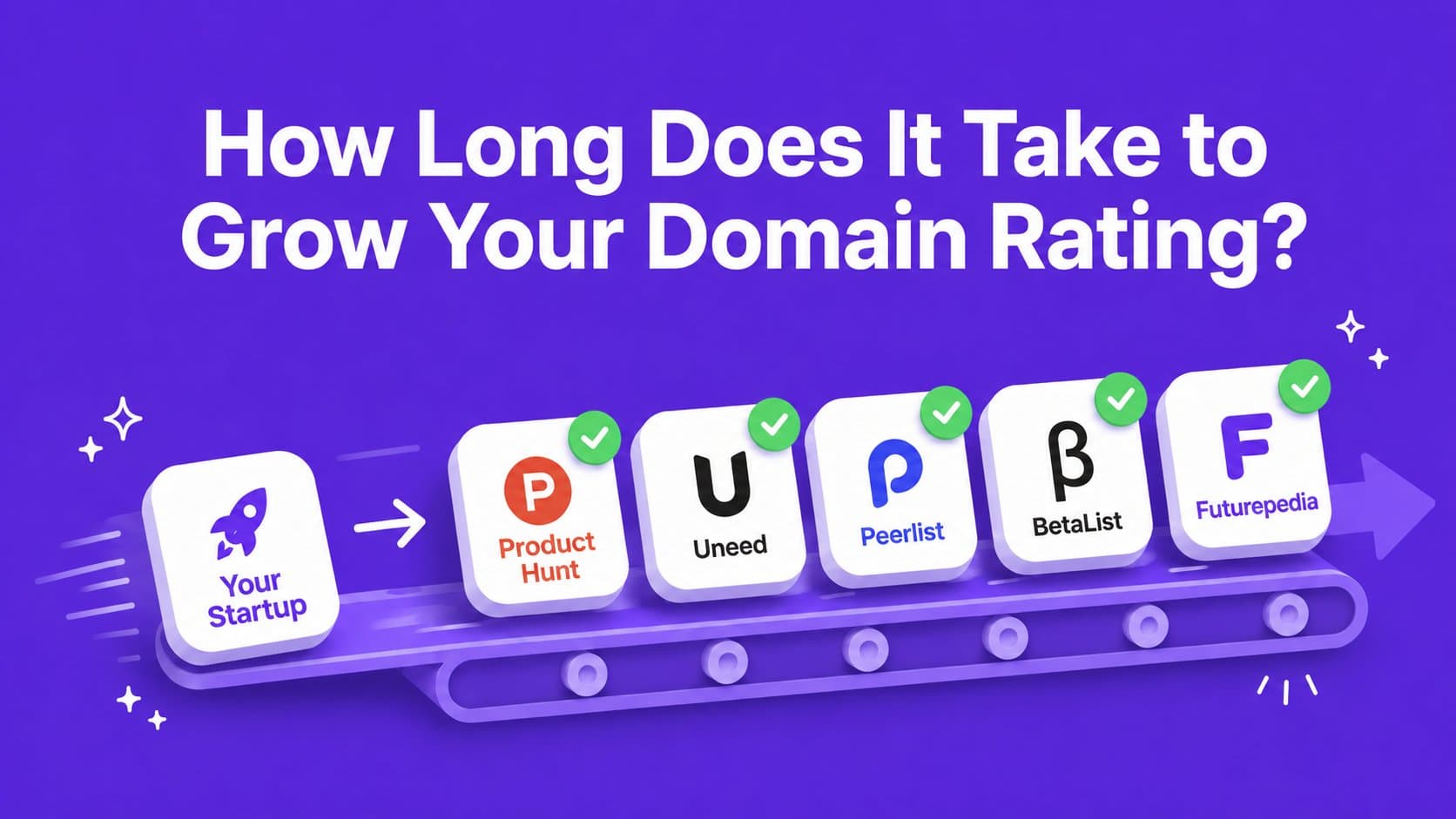
For startups, directories are actually the quickest source of these backlinks. A few solid listings are enough to change how Google treats your domain, and they give you independent pages describing what you do, which helps you rank once you're indexed. You can start with 10 easy and free dofollow backlink directories, or head over to the directory roadmap for a full overview of curated and vetted directories. And if filling in the forms yourself sounds like a bad use of your week, Auto Launch submits your site for you and tracks which listings went live.
Step 4: Give Google more to index
A site with four pages gets crawled less often than a site with thirty. Every page you add is another entry point and another reason for Googlebot to come back.
Two things to do here. Link to every important page from your homepage or footer, because orphan pages that nothing links to are the ones Google quietly drops. And start publishing. A blog, use case pages, a changelog, anything with real content on it. This compounds with your backlink work, since authority and organic traffic move together.
What if Google found your page but didn't index it?
Search Console has two statuses for that. "Crawled, currently not indexed" means Google fetched the page, looked at it, and decided not to keep it for now. "Discovered, currently not indexed" means Google knows the URL exists but hasn't fetched it yet, usually because it doesn't think your site is worth the crawl time yet.
Luckily you can fix both. Here's what to do, in order of impact:
- Make the page worth keeping. Unique content, a real answer, not a thin page that repeats what's already on your homepage.
- Link to it internally. A page with no internal links looks unimportant to Google, because you're telling it that yourself.
- Build authority on the domain. The higher your Domain Rating, the more benefit of the doubt each new page gets.
We had pages stuck in both statuses on our own site. What each status means, and what we changed, is in crawled, currently not indexed: what it means and how to fix it.
Liked this article?