How to Install Directory Badges Without Wrecking Your Site
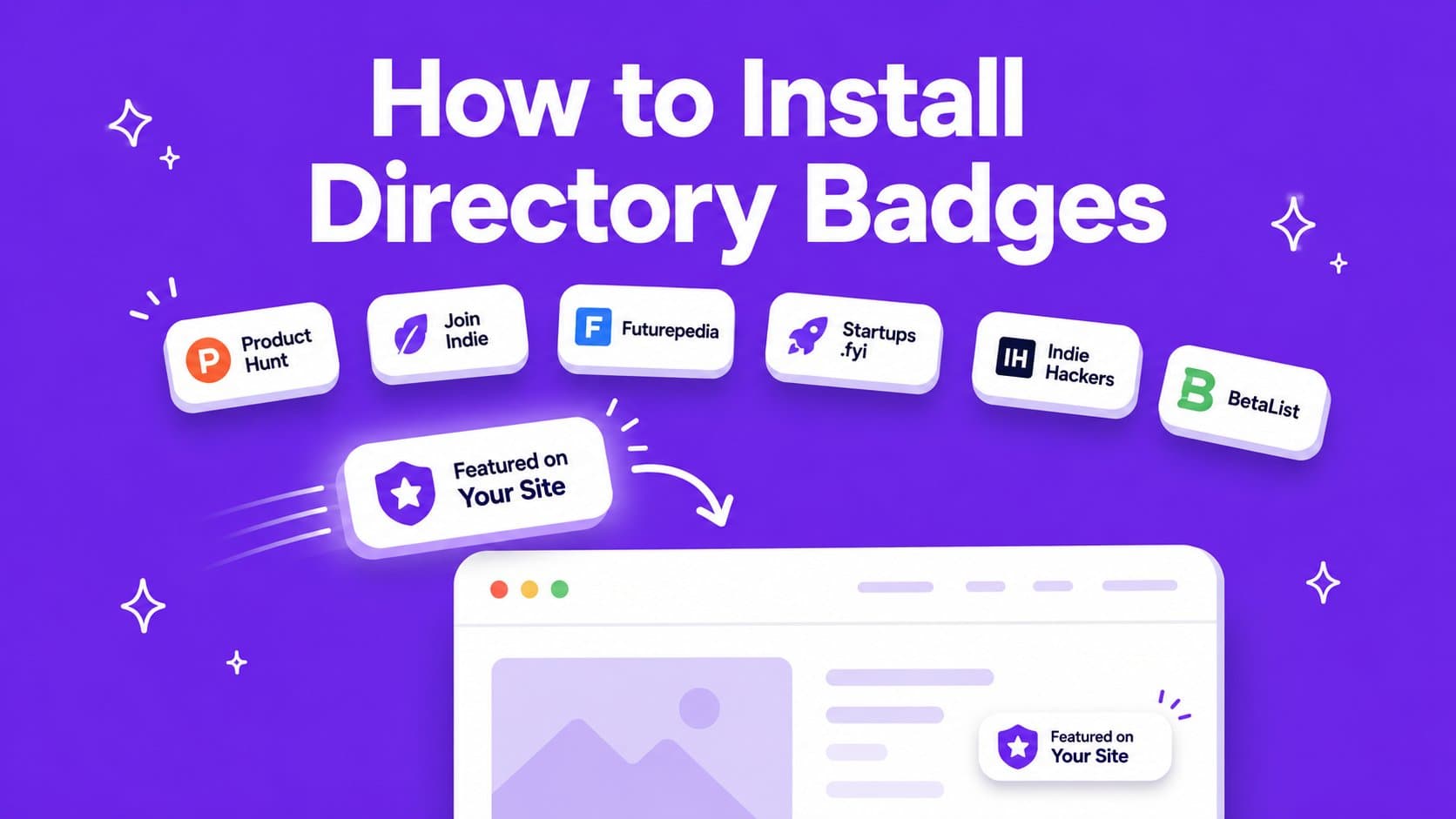
A directory badge is a free dofollow backlink, but a badge wall makes your site look cheap. So what's the best way to get the SEO juice without the mess?

Launching your startup on directories earns you organic traffic and a higher domain rating over time. The catch is the badges. Most directories want theirs on your site in exchange for the dofollow link, and a dozen of them turn a clean page into a mess. Here's how we display ours at LaunchPanda without making the site overwhelming.
What is a directory badge?
First of all, it's important to know what these directory badges are. A badge is three things stuck together. An image, a link wrapping that image, and a destination, which should be your listing page on that directory.
Two types are worth separating in your head. Badges you earn, like Top 3 of the day or Product of the Week, actually mean something to a visitor. Badges anyone gets for filling in a form mean nothing to a visitor, but still carry the backlink. They belong in different places on your site generally.
One thing people miss: plenty of directories check that the badge is live before they hand over the dofollow link, and some re-check later. If you install a badge for the backlink but then rip it out of your site later, the link back to your site often gets removed too.
How do you install a badge, step by step?
Here's the snippet we hand out on LaunchPanda, so you know what you're looking for. Almost every directory gives you some version of this.
What a badge snippet looks like

<a href="https://launchpanda.dev/launches" target="_blank" rel="noopener">
  <img src="https://launchpanda.dev/images/badges/launchpanda-badge.svg" alt="Launched on LaunchPanda" width="260" height="64" />
</a>
The install process is generally easy and looks like this:
- Copy the snippet from the directory dashboard, usually under your listing.
- Keep the link dofollow, pointed at your listing page. Make sure you don't make any changes to the code, such as removing the dofollow backlink.
- Leave it live. Removing a badge later can cost you the link it earned.
How a bad badge wall makes your site look cheap
The reason I have seen many founders eventually remove their badges is because it looks 'cheap'. The reason it looks that way is because they just paste a wall of badges on their site, not only looking ugly, but also taking up space for more important stuff to tell your visitors.
The fix is not to delete your badges, and with them your backlinks. What you should do first is split your badges into two sections with two different purposes. Badges that impress humans, like getting first on Product Hunt, go where humans look. Some sites put these even above the hero headline, which is the most precious spot on your whole site. However, badges that exist just for Google go somewhere Google looks and humans don't have to. For those we advise the footer, have a look at ours.
Where should you put a directory badge?
There are several installation methods I see people go for. One is my personal favorite.
- Footer. In my opinion this is the best solution. It has a low visual cost, is sitewide, and thus fully crawlable.
- Homepage strip. Highest visibility, highest risk. Many founders don't really think about the badges and do it this way, but I would strongly advise against it.
- A dedicated /featured-on page. This can be an option. One caveat is that some directories want the badge on your landing page.
Then the following question becomes how you show the badges. We always advise a carousel, because it takes up way less space. Here's the exact one we run on LaunchPanda, where every badge is a directory that gave us a backlink:
Normal carousel preview





































Then, using a carousel, there are still other ways to show the badges within it. You can just show the badges the normal way (see the preview above). However, some sites also apply their own design to the badges, which gives a consistent feel and makes them less obtrusive (see the preview below).
Carousel with own design applied preview
What you could also do is a link carousel, where you remove the badge design completely (see link carousel preview). This is the least visually obtrusive and still keeps the backlink.
Link carousel preview
How do you check your badges are still working?
Put ten minutes in your calendar once a quarter and run through this:
- View source and search for rel=. Actual view-source, not the inspector, so you see what the crawler sees. Every badge link should have no rel attribute or only noopener.
- Crawl your own page. You want the links present and none of them 404ing. Our free backlink checker tells you whether a directory is still linking to you.
- Look at the images. One glance catches the CDN breakage that no automated tool flags as an error.
Badgeless launches
You don't always want to link back to the directory. Maybe your site is well established and already has great SEO, and you don't want to give too much of that juice away. In that case you can decide to go badgeless.
You almost always have to pay for that option. We have a cheap one. Through a partner bundle you get a badgeless auto launch on 5 high-DR directories, so you collect the backlinks and your site stays exactly as it is.
Liked this article?