How to Get Your First 10 Backlinks (Simple Plan)
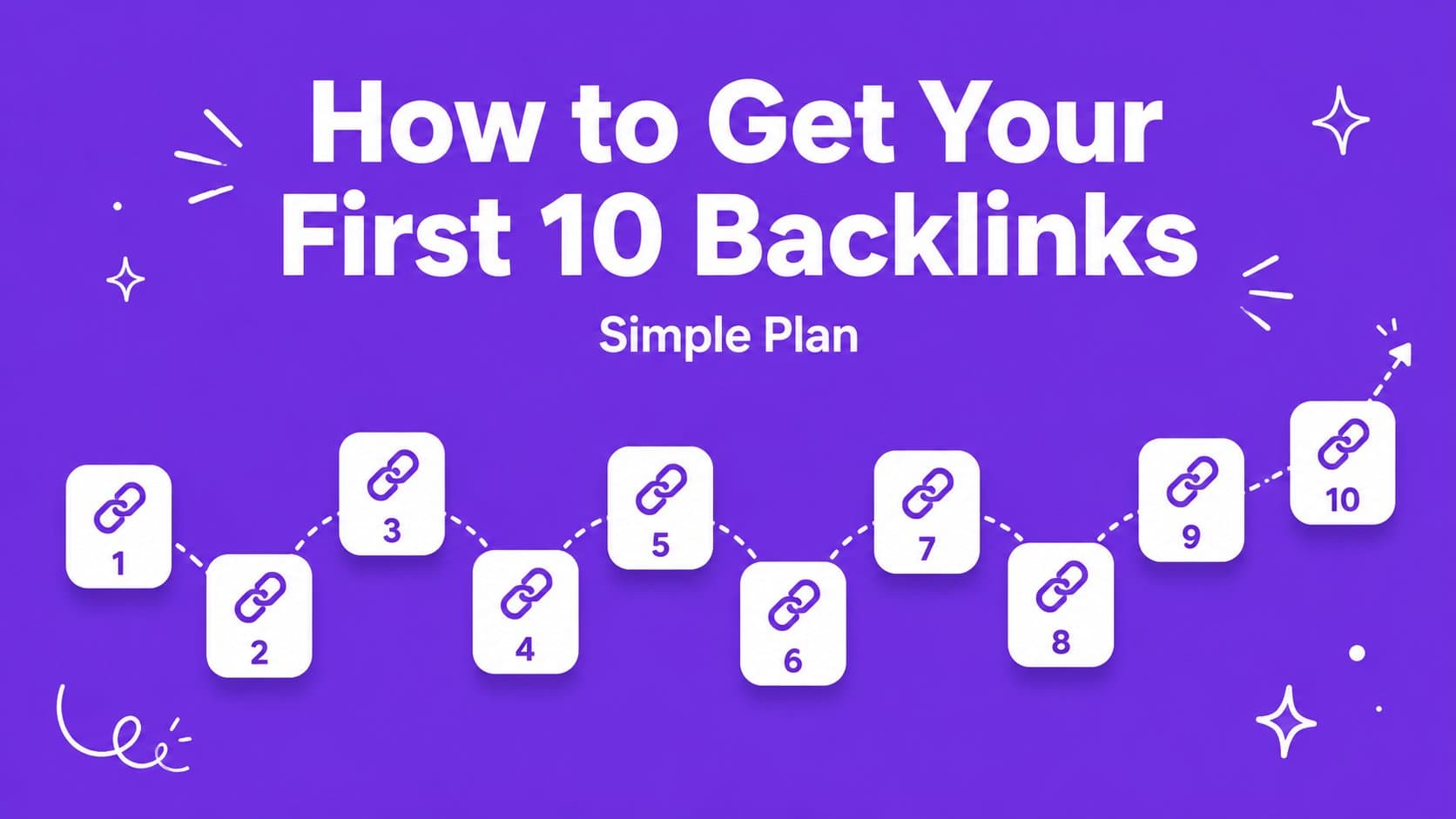
A step-by-step plan to get 10 quality backlinks for your startup. No experience needed, no money required.

If it's your first time as a founder hunting for backlinks, the process can feel overwhelming. There are hundreds of startup directories out there, many of them are bad, and it's not always easy to figure out which ones are worth it. Here's a simple plan that works.
Why get backlinks?
High quality backlinks from directories are one of the fastest ways to raise your Domain Rating. Get 10 quality backlinks in your first week and you can push your Domain Rating from 0 to 20+, which means Google starts taking your site seriously. If you want the full breakdown, here's what Domain Rating is and how to grow it fast.
Step 1: Build your Startup Profile
First, before launching, write down all your startup details in one place. You can do this in a Word doc, a spreadsheet, or on LaunchPanda. Our tool gives you a single place to store everything, so copy and pasting into each directory is simple (even more so with our new extension). Details worth storing include your name, tagline, descriptions, website URL, category, pricing strategy, and social links.
Step 2: Submit to these 10 directories
From our experience, these are 10 of the easiest free directories that hand you a dofollow backlink. For a bigger overview, head over to the full roadmap of directories.
Your First 10 Backlinks

Every one of these hands you a free dofollow link, so work through the whole list. The higher the DR, the more each link is worth.
Step 3: Place badges when required
Some directories give you a dofollow backlink in exchange for placing their badge on your site. It's a fair trade, a small image on your page for a permanent SEO boost. LaunchPanda marks these with a "Badge Required" tag so you always know upfront.
Here's how to add one:
- Grab the snippet. After you submit, the directory hands you a small badge, usually a line of HTML or an image link. Copy it.
- Drop it in your footer. That's the low-key spot where a badge barely takes up space. If you're collecting a few, put them in a small carousel so they stay tidy and don't clutter the page.
- Leave it live. If you remove a badge later, that directory can drop the backlink it gave you, so keep it in place once it's up.
One badge, one permanent dofollow link. As they stack up, we advise putting them in a carousel design. A wall of badges collapses into one tidy, rotating strip, so your footer stays clean no matter how many directories you launch on. Here's the exact one we run on LaunchPanda, every badge is a directory that gave us a backlink:
Normal carousel preview


































We keep ours in the footer and in a carousel for a reason. The footer keeps the badges out of the way of more important real estate, and the carousel avoids a wall of logos that makes your site look cheap. Want to know more about displaying your badges efficiently? Read how to install directory badges without wrecking your site.
Step 4: Track your progress
Use the LaunchPanda tracker to see which directories you've submitted to, which are pending, and which are approved. Staying organized is what separates people who get 3 backlinks from people who get 30.
Step 5: Keep going
Your first 10 backlinks are the hardest. After that, the process gets faster because you already have your Startup Profile ready and you know the routine.
Aim for 20, then 50. Each new backlink compounds. More backlinks = higher DR = higher Google ranking = more free traffic. It snowballs.
Start now
The best time to start building backlinks was yesterday. The second best time is right now. Build your Startup Profile and submit to your first directory today.
Liked this article?