How to Write a Directory Listing That Actually Gets Clicked
Most directory listings get scrolled past. Here's how to write a directory listing that earns the click, from the tagline to the screenshot.

Your listing sits on a category page with forty others, and readers scan exactly one thing before they decide, the tagline. Get that wrong and the rest of the form you just spent twenty minutes filling in never gets read.
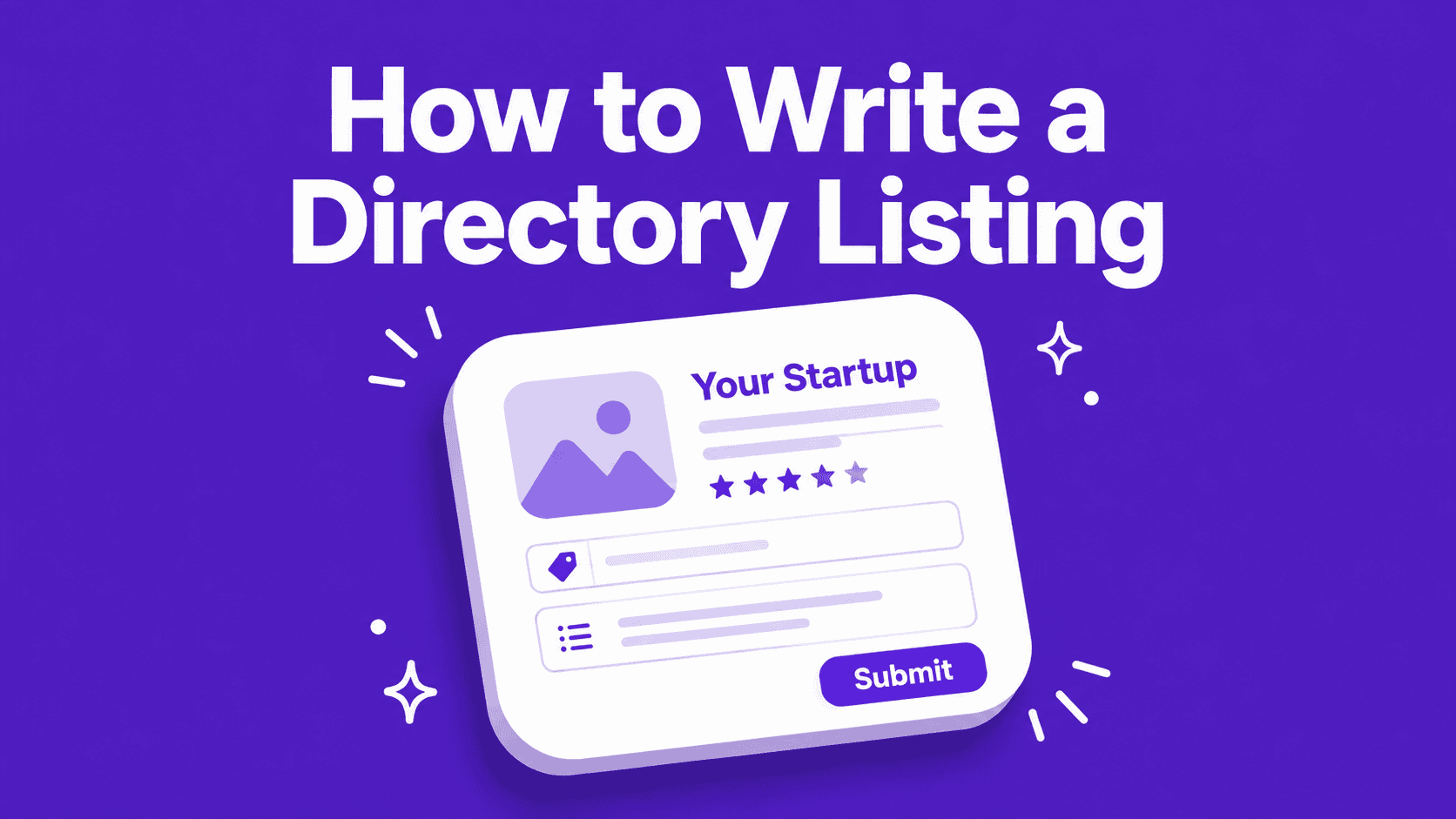
Three fields decide everything: the tagline, the first line of the description, and the thumbnail. This is how to write each one.
Who actually clicks a directory listing?
Worth being blunt first. Directories are mostly a backlink play. When I went through every directory we launched on, only 4% of signups said they found us that way.
But three audiences read your listing, and only one of them is a human browsing:
- People on the category page. Small numbers, high intent. They are looking for your exact category right now, which is a better visitor than anything an ad buys you.
- Google. The directory's page about your product is a page that ranks. The words you put in it decide what it ranks for.
- AI crawlers. ChatGPT and Perplexity pull from those pages when someone asks for the best tool in your category. Your description is the sentence they quote back.
So you write this once, properly, then paste it into every submission after that. That is the whole trick.
Write the tagline first, it does most of the work
The tagline is the only field that renders everywhere. Card grids, the directory's internal search, the weekly email they send out. Everything else is behind a click that most people never make.
Use one formula: what it is, who it is for, what they get. Keep it under 60 characters, because most directories truncate somewhere around there.
Three rules that fix most taglines:
- Cut the adjectives. Powerful, seamless, revolutionary and next generation describe nothing. Delete them and see if the sentence still works. It usually gets better.
- Leave your product name out. The directory already prints your name directly above the tagline. Repeating it wastes a third of your characters.
- One benefit, not a feature list. Two commas stacking features reads as noise. Pick the single thing someone would switch tools for.
The test: read it out loud to someone who has never seen your product. If they ask "so what does it actually do", you have a slogan, not a tagline.
What goes in the short description?
Most directories give you 150 to 300 characters here. Front load it, because the tail gets cut off in card views.
Three sentences do the job:
- The problem, in the words your user would actually use.
- What you do about it.
- One proof point. A number, a named integration, a free tier.
Cut the origin story, cut the tech stack, cut "we're a small team building in public". None of it helps a stranger decide.
Put your category phrase inside the first ten words. That phrase is what the directory's page will rank for in Google, and it is what an AI model matches on when someone asks for tools like yours.
The long description is an SEO asset, not a pitch
This is the block Google indexes and AI models read, so treat it as content, not copywriting.
- Three short paragraphs, never one wall. Most directories strip your formatting on submit, so write sentences that survive as flat text.
- Name your category out loud. "LaunchPanda is a directory submission tool for startups" beats "LaunchPanda helps founders grow". Models match on the category words, not on your positioning.
- Include the phrases people search. If someone would type it into Google to find a product like yours, it belongs in here at least once.
- Vary the opening sentence between submissions. The same 500 characters sitting on 250 domains is the one genuine risk in this whole exercise. Rotate the first line and reorder the middle, and you are fine.
Your screenshot is the click, not your logo
Category pages render your thumbnail at roughly 300px wide. A full dashboard turns to mush at that size, and a mushy card gets scrolled past no matter how good the tagline is.
What works:
- One screen showing one thing happening.
- High contrast. A light background reads better on most directory cards than a dark one.
- No browser chrome. No address bar, no traffic lights, no tab strip.
- Text big enough to read at half size. Zoom your browser to 50% and look at it.
What fails:
- Full page marketing screenshots, where your hero headline ends up four pixels tall.
- Dashboards with twelve widgets on screen.
- Your logo on a colored square. It tells a stranger nothing.
Your logo is a separate field with separate rules: square PNG, transparent background, still readable at 48px. Most directories render it next to your name at about that size.
The fields founders get wrong
- Category. Picking "Other" or "SaaS" buries you next to two thousand other products. Pick the narrowest category that honestly fits, because narrow categories have fewer listings and better browsers.
- Tags. Use the tags the directory suggests, not the ones you invented. Their suggested tags are what powers their internal search and their related listings.
- Pricing. "Freemium" gets clicked more than "Paid", and marking yourself free when you are not gets you delisted. Say what is true.
- URL. Submit your homepage with a UTM tag per directory. It costs nothing and it is the only way you will ever know which listings sent real people.
- Maker or founder profile. Fill it in. Several directories only hand out the dofollow link once the profile behind the listing is complete.
Write it once, reuse it 250 times
Build one asset pack before you submit anywhere:
- A tagline under 60 characters
- A short description around 160 characters
- A long description around 500 characters, with two alternate opening lines
- Three screenshots, one of them clearly the best at thumbnail size
- A square transparent logo
- Your category and five tags
That pack is the difference between a twenty minute submission and a two minute one, and it is exactly what a Startup Profile stores so you never rewrite it. If you would rather not paste it into 250 forms yourself, Auto Launch submits it for you.
The checklist before you hit submit
- Tagline under 60 characters, no adjectives, no product name
- Category phrase inside the first ten words of the description
- Short description front loaded, proof point in sentence three
- Long description in three paragraphs, opening line varied from your last submission
- Screenshot legible at 300px wide
- Square logo, transparent, readable at 48px
- Narrowest accurate category, directory's own tags
- Homepage URL with a UTM tag for this directory
- Maker profile filled in
Then start submitting. The free directories are the right place to test whether your listing pulls, because you can rewrite the tagline and resubmit somewhere else the same day.
Liked this article?